

Product · Requirement Specifications
Create controlled requirement documents directly from your live requirements
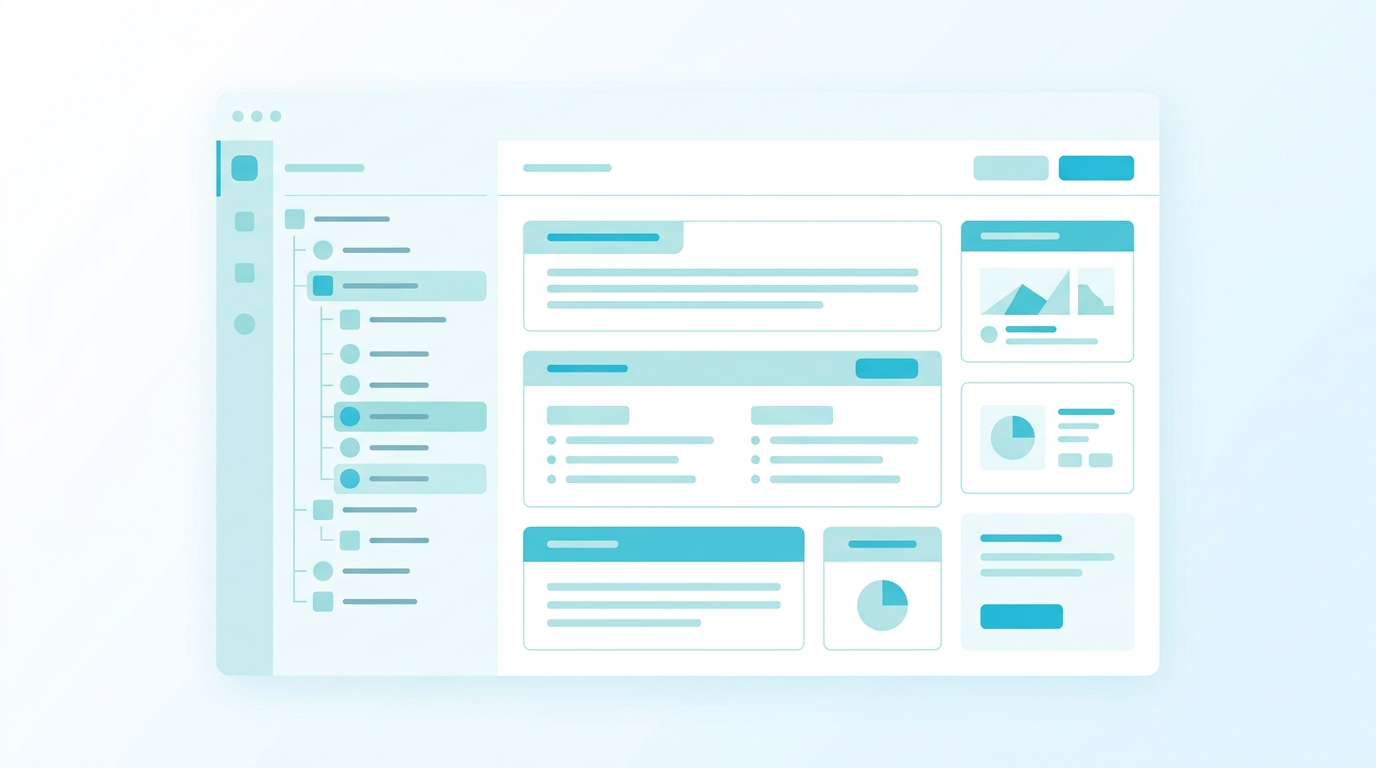
Requirements are managed best as structured objects: searchable, traceable, versioned, and connected to reviews, tests, risks, and changes. But when requirements need to be communicated to customers, suppliers, contractors, or formal review groups, they often need to be presented as a document. Qrendo req:ai lets teams create requirement specifications directly inside the system. Requirements can be placed into a document-style structure with sections, subsections, headings, explanatory text, and formatted content — while still keeping the control, traceability, and versioning of the requirement management system. Work with requirements as data — communicate them as documents.
Audience: Requirement leads, project managers, technical writers, quality teams, procurement teams, and organisations preparing formal requirement specifications for internal or external use.
Core concept
Structured document sections.
Explanatory text and headings.
Selected stakeholder or system requirements.
Locked requirement versions.
Review comments and decisions.
Export to Word and PDF.
Specification workflow and governance
How requirement specifications work
1. Build the document structure Create sections and subsections, add headings, explanatory text, and supporting content. 2. Add requirements Place selected stakeholder or system requirements where they belong. 3. Edit and refine Adjust content freely while preparing the document. 4. Send for review Select reviewers and manage feedback in a structured way. 5. Confirm or return Confirm, reject, or return the specification to editing. 6. Create a new version when needed Create a new editing version while preserving the confirmed version.
Lifecycle overview
Editing → Review → Confirmed → New version (Editing) Editing: free authoring and structuring. Review: selected reviewers comment on locked content. Confirmed: finalized controlled version with locked requirement versions. New version (Editing): start updates while previous confirmed version remains unchanged.
Document-style authoring inside the system
Create specifications with sections, subsections, headings, explanatory text, formatted content, and embedded requirements.
Requirements locked to specific versions
When a specification enters review or is confirmed, included requirements are locked to the relevant version so the document always reflects exactly what was reviewed or approved.
Structured review comments
Reviewers can comment on different parts of the specification, and comments can be handled, answered, and resolved in a controlled way.
Versioned specifications
Confirmed specifications can be versioned. New versions start in editing mode while previously confirmed versions remain available.
Baselines for formal milestones
One or more specifications can be grouped into a baseline, preserving exact versions and content at a specific point in time.
Word and PDF export
Export specifications for external communication, procurement, supplier dialogue, formal review, and archive purposes.
Baseline section
Freeze what was agreed — compare what changed. Use baselines for: • Contract or supplier handover • Review gates • Procurement stages • Formal approval points • Audit and compliance evidence • Comparing what changed between specification versions or milestones
Requirements stay managed while documents stay readable
Teams do not need to choose between structured requirement management and understandable specification documents.
Clear control over what was reviewed and approved
Confirmed specifications preserve the exact requirement versions and document content that were reviewed.
Easier communication with external parties
Suppliers, contractors, customers, and review groups receive clear Word or PDF specifications with the context they need.
Stronger audit and milestone control
Versions, reviews, baselines, and exports provide evidence of what was agreed at each formal point.