
Product · Import & Document Analysis
From source material to review-ready stakeholder requirements
Qrendo req:ai includes a powerful AI-based analysis engine that helps teams turn existing source material into structured requirement proposals. Import documents, images, audio, notes, structured data, or requirements from other projects. Req:ai analyses the content, identifies potential stakeholder requirements, and prepares suggestions. The user then reviews, adjusts, accepts, or rejects each suggestion before approved items are added to the project as stakeholder requirements.
Audience: Requirement leads, analysts, project teams, and organisations importing diverse source material into controlled requirement workflows.
Top capabilities
Multi-format import Bring in source material from PDF, Word, PowerPoint, Excel, images, audio, plain text, and structured data files.
Review and refine suggestions Review AI-generated requirement suggestions, adjust wording, add missing items, or reject suggestions that should not be imported.
Controlled import to stakeholder requirements Only accepted and completed suggestions are added to the project as stakeholder requirements, with traceability back to the source.
Import and analysis
How import and analysis works
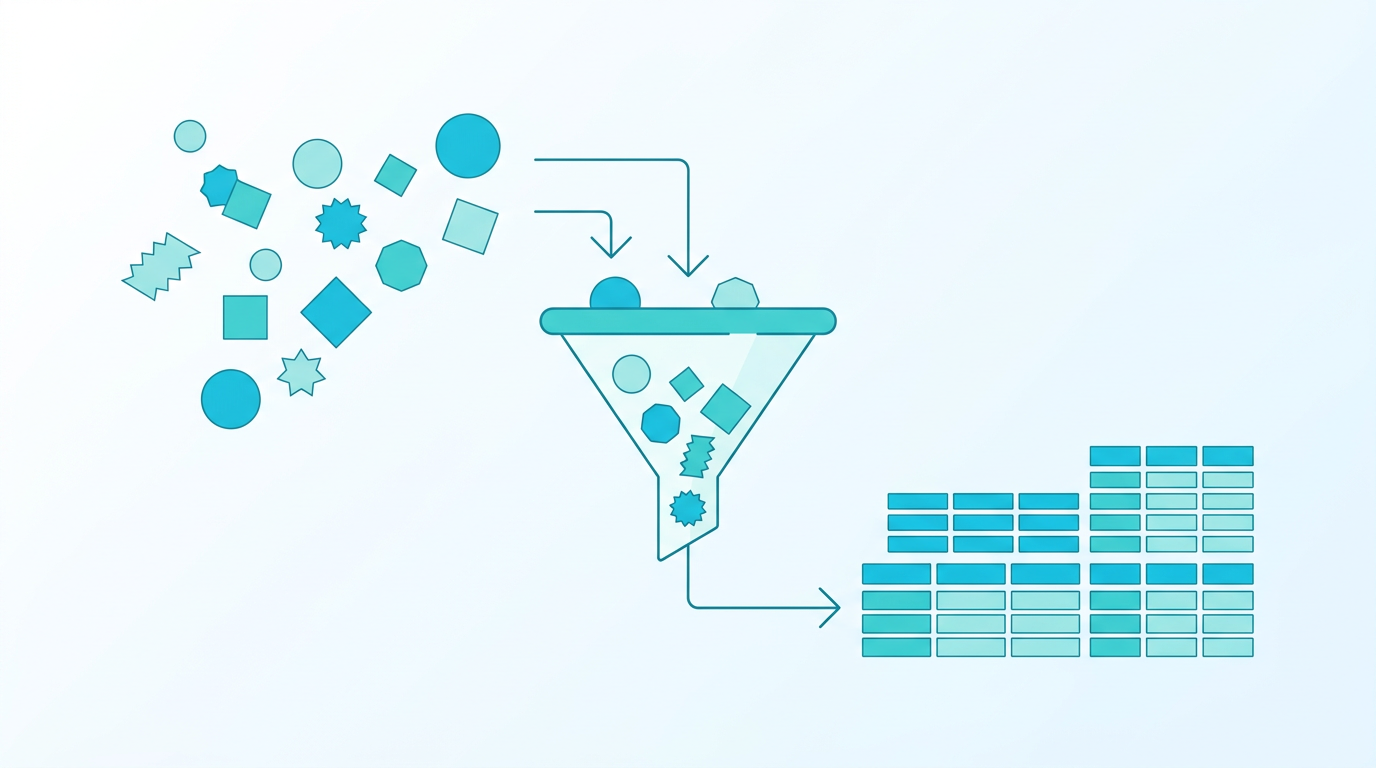
Input sources • PDF / Office files • Images and OCR • Audio • Text and structured data • Requirements from other projects Process 1. Upload source material 2. Convert and prepare content 3. Analyse and generate proposals 4. Review and refine with source context 5. Complete the import Output Stakeholder requirements Well-written requirements with full traceability back to the source.
Turn existing material into requirement proposals
Req:ai helps teams move from raw source material to structured stakeholder requirement suggestions, reducing manual extraction work and giving analysts a stronger starting point.
Review before anything enters the project
AI output is never final by default. Users inspect source context, adjust wording, add or remove suggestions, and decide what should be imported.
Keep traceability to the original source
Each accepted requirement retains a link to the source material it came from, making it easier to answer why the requirement exists and where wording originated.
Apply consistent import logic across repeated work
Saved import instructions help teams handle similar documents consistently across tenders, contracts, specifications, meeting notes, and supplier material.
Compare updated source versions
When a new version of a document is uploaded, req:ai compares it with the previous version and helps identify what changed, what was added, and what needs follow-up.
Import requirements from other projects
Requirements from one project can be reused as input in another. For example, high-level system requirements from a main programme can become stakeholder requirements in a sub-project.